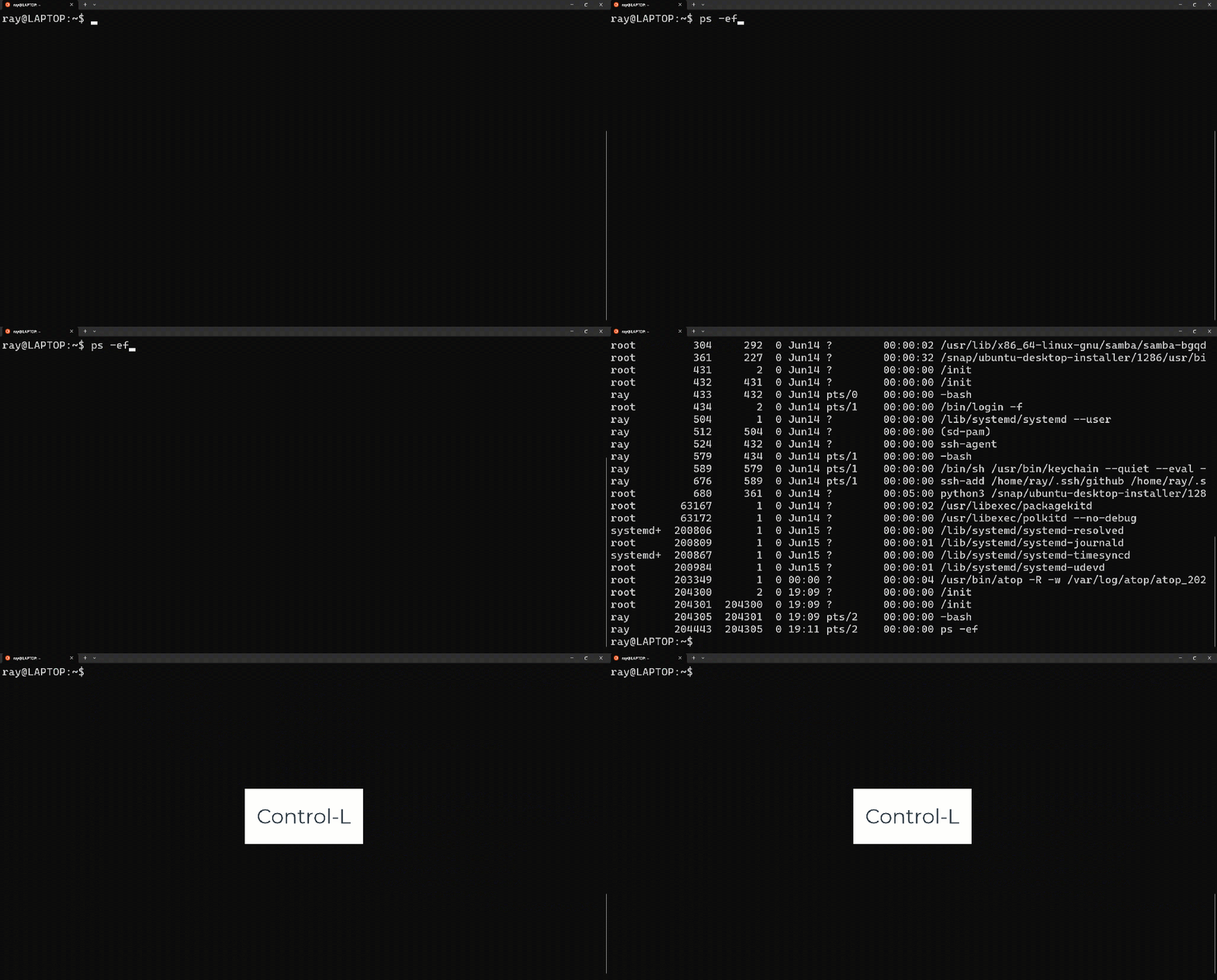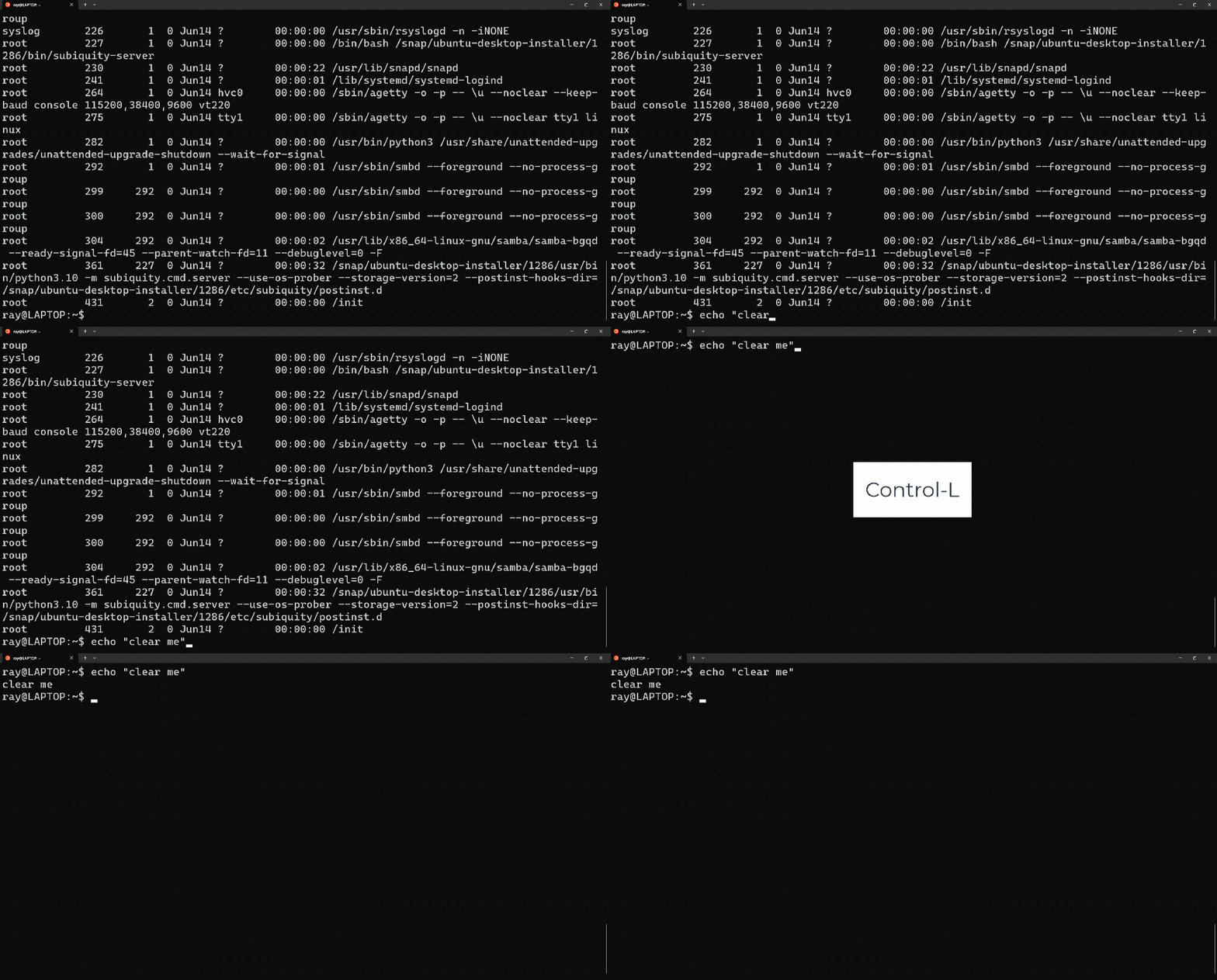
What is Epoch Time?🤔

Epoch time is an absolute Unix time ⏰scale.

It’s the number of seconds since:

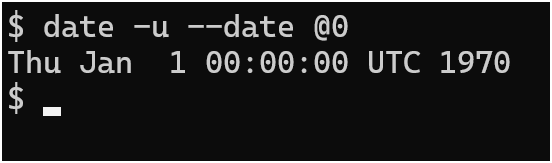
Thu, Jan 1, 00:00:00 (Midnight), UTC, 1970

The Big Bang 🌌 for Unix time if you will 🤭


Here’s how to get:

  • A Regular Timestamp
date
  • Epoch format
date +%s
  • Convert Epoch time to “regular” UTC time:
date -u --date @1748991936

And now me nerding 🤓 out..

  • Epoch time is a discrete number
  • It’s analogous to the Kelvin temperature scale 🌡️
  • Unlike Kelvin, you can reach zero 😉
date -u --date @0

One – of many – places Epoch timestamps show up is in your Linux audit log:

Convert Any Man Page to PDF 📄

Here’s a quick way to convert any man page into a PDF document for easier viewing, searching, and sharing:

# install necessary package
sudo apt-get install ghostscript

# script to convert a man page into a PDF
man -t tmux | ps2pdf - tmux.pdf

After you create the PDF document, use your PDF viewer of choice.


I’m using Windows Subsystem for Linux (WSL), so I call Adobe Acrobat directly to open the PDF:

/mnt/c/Program\ Files/Adobe/Acrobat\ DC/Acrobat/Acrobat.exe  tmux.pdf


But I also created a symbolic link to Acrobat.exe, then called it that way:

# create symbolic link 'adobe' to 'Acrobat.exe'
 ln -s /mnt/c/Program\ Files/Adobe/Acrobat\ DC/Acrobat/Acrobat.exe /bin/adobe

# view 'tmux.pdf'
adobe tmux.pdf

Demo

Backup Your Git Repository: Lazy Man Method

Intro

You don’t need to learn or use Github for “simple” Git repository backups 😎

This method only backs up the repository itself, it is not a valid Disaster Recovery Strategy.

If the folder you are backing up to is on the same disk and your original repo, and the disk itself fails…you’re still up a creek without a paddle.

If you are trying to implement Disaster Recovery for your repo, make the sure the folder/volume/mount-point/whatever you are backing up to, is itself, being backed up “offline”.

“Offline” meaning a separate disk/thumb drive/Dropbox/whatever.. 😁

However, this method is great for quickly backing up your repo if you want to experiment and test git techniques.

It’s always wise to do a quick backup before you put on the lab coat:

Image Credit: https://www.carlroth.com/com/en/protective-gowns/protective-gowns-kimtech-science-a7-lab-coat/p/2146.1

Solution

Here are the steps I took to do a local backup of my git repository:

# cd to the folder of your Git Repo
mkdir /tmp/bashScripts
cp -r .git/ /tmp/bashScripts
cd /tmp/bashScripts
git restore *

Full Demo

Optimize Your Vim Statusline

Intro

Constantly asking Vim which file you are editing is disruptive to your workflow.

Especially after the 20th time of asking..😵‍💫

Here’s a great way to have Vim always tell you which file you are in; instead of stopping to ask.

Vim Options

Here are the commands to change and reset the defaults for laststatus and statusline from Command-line Mode, respectively:

# change the defaults
:set laststatus=2
:set statusline=buf\ %n:\ %F\ %m%r\ %=%l,%c\ \ \ \ \ \ \ \ %p%%

# reset to defaults
:set statusline= laststatus=1

#view buffer list
:ls

Here’s how to view the filename and buffer number from Normal Mode:

# view file name: control-g
^g

# view file name AND buffer number: 2 control-g
2 ^g

**Remember, you have to exit Insert Mode and go into Normal Mode first, with the Esc key

How To Create SSH Keys For Authentication

Overview

Creating and using SSH keys for authentication requires 3 minimum steps

  1. Generate Your Public-Private Key Pair
  2. Transfer Your Public Key To The Remote Host(s)
  3. Test Your Private Key

Commands To Run:

ssh-keygen
ssh-copy-id -i ~/.ssh/id_rsa.pub user1@remotehost
ssh user1@remotehost

Demonstration

Here’s my YouTube short explaining this process:

And here’s a long form video demonstrating this process:

TBA

Extra Information

  • SSH key authentication uses asymmetric encryption:
    • Public Key encrypts
    • Private Key decrypts
  • Your Public Key is safe to give to anyone, anywhere. Hence it’s name.
  • Your Private Key must be safeguarded.
    • If any copies exist, assume your identity is compromised and refresh your key pair.